
CentralCorp Launcher
Configure the interface, Minecraft version, memory, files and player launch experience.
View the launcher
Build, customize and manage your Minecraft launcher with a complete ecosystem you control.
CentralCorp brings together four complementary components for building, deploying and managing a Minecraft launcher on infrastructure you control.
 CentralCorp LauncherThe desktop application used by players to synchronize files and start Minecraft.
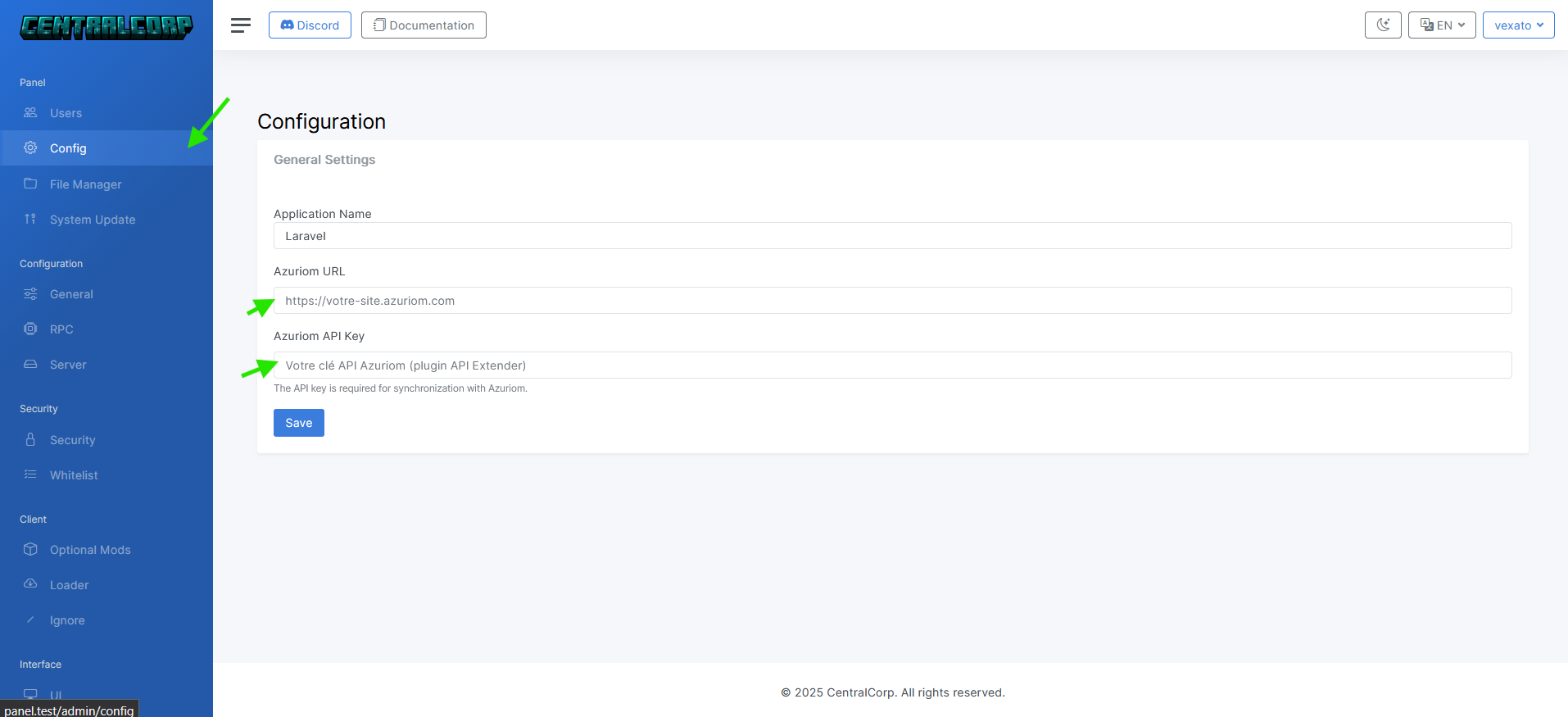 CentralCorp PanelThe web component that centralizes and publishes the configuration consumed by the launcher.
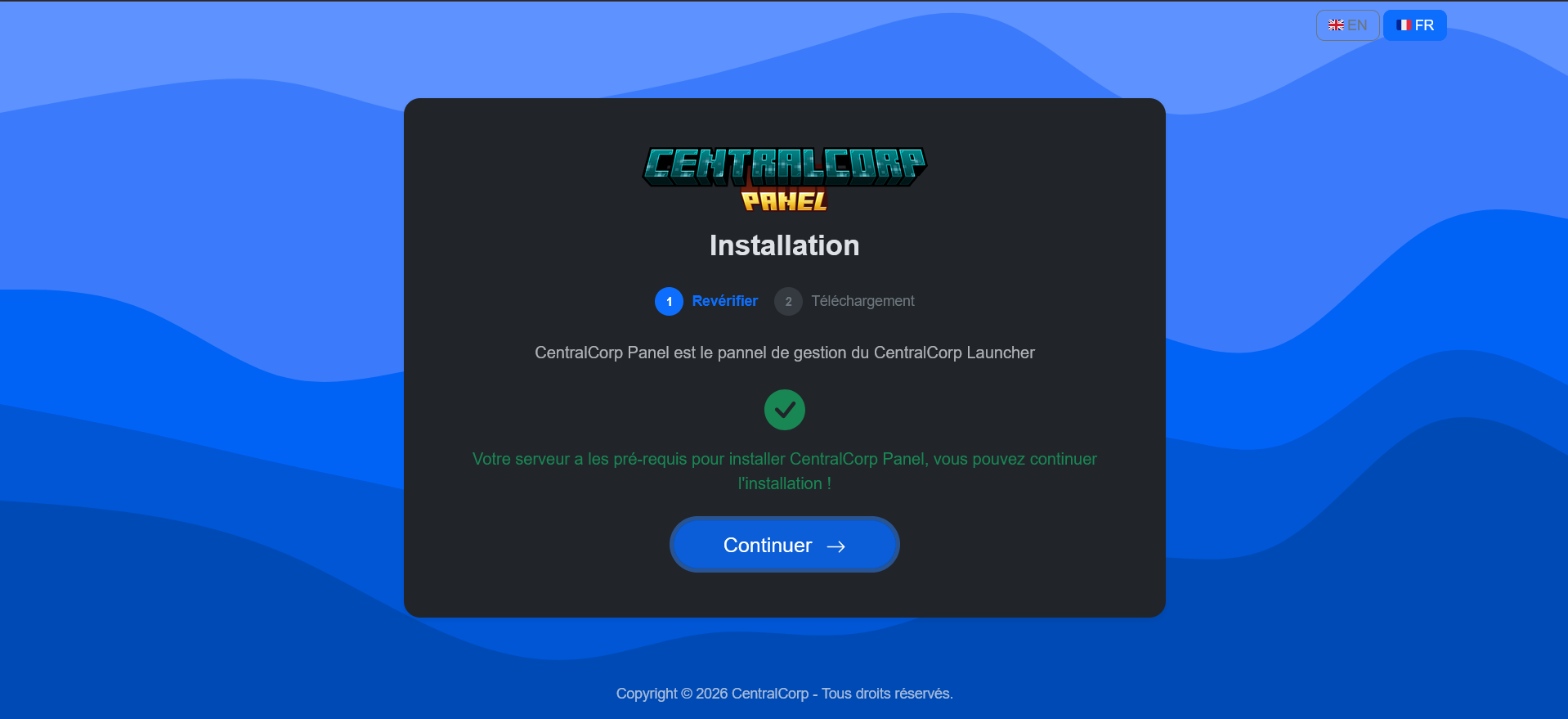 CentralCorp InstallerThe tool that checks hosting before deploying a compatible panel release.
 CentralCorp documentationThe preparation, installation, configuration and build guides for the ecosystem.
CentralCorp is an ecosystem for teams that want to create and distribute a custom Minecraft launcher while controlling its deployment. The Electron launcher is the player-facing application. Its name, colors, game directory, memory, server and several interface elements can be configured.
Preview CentralCorp Launcher or browse the available launcher source code.
CentralCorp Panel is a Minecraft launcher management panel built with Laravel. It provides the configuration consumed by the launcher: Minecraft and loader versions, files, optional mods, maintenance settings, access lists, the default server, UI settings and rich presence.
Learn how the Minecraft Launcher Panel works.
CentralCorp uses Azuriom authentication. The panel connects to an Azuriom website with its URL and an API key to synchronize server, role and user data used by the launcher. The launcher can also be configured to use the CentralCorp Azuriom plugin directly.
This integration targets offline-mode Minecraft server setups connected to Azuriom. Microsoft online-mode servers are not supported by the launcher.
Administrators select the Minecraft version and loader in the panel. Forge and Fabric are supported, including Forge build lookup and Fabric loader version lookup. The current code also accepts LegacyFabric, NeoForge and Quilt.
The panel file manager supplies the manifest downloaded by the launcher. Administrators can organize mods, configuration and resources, exclude selected folders from verification, and mark mods as optional with a name, description, recommendation and image.
Configure launcher files and mods.
The launcher repository includes a GitHub workflow that creates a release and builds Windows, Linux and macOS packages after a push to the configured branch. The app uses Electron updates, while the web panel has its own release-based update flow.
Build and distribute the launcher.
CentralCorp repositories can be downloaded without a recurring CentralCorp software subscription. Hosting is still required for Azuriom and the standalone panel, and third-party services or plugins may have their own costs.
Licensing differs by component. The launcher uses CC BY-NC 4.0 and restricts commercial use, the panel uses CC0, and the installer uses MIT. Review the relevant repository license before deploying the software.
The free Minecraft launcher panel guide explains this scope, hosting costs and licensing in more detail.
The panel is self-hosted. You choose the web server, database, domain, file storage and deployment process, keeping control of the launcher configuration and delivery infrastructure.
The CentralCorp Installer checks PHP, required extensions, write permissions and URL rewriting before downloading the latest compatible panel release. The documentation then guides launcher configuration and builds.
Start with the CentralCorp prerequisites.
It is a web administration interface that supplies a Minecraft launcher with its configuration, files and runtime settings. CentralCorp Panel runs on hosting you control.
CentralCorp does not require a recurring software subscription. Hosting and third-party services may still cost money, and the launcher's non-commercial license must be respected.
Yes. Launcher authentication and several panel data flows rely on Azuriom and its API.
Yes. The panel configures Forge or Fabric and sends that configuration to the launcher.
Yes. It manages game files and lets administrators identify mods that players may enable or disable in the launcher.
Yes. The Launcher, Panel and Installer repositories are public, under different licenses.