
Step 3: Panel Installation
🎯 Objective
In this step, we will set up the web panel required for your launcher to work.
1. Downloading Files 📥
- Go to the GitHub repository
- Download the
installer.zipfile
✨ That's it!
Simple and quick, isn't it? 😊
2. Web Server Configuration ⚙️
Technical Requirements
⚠️ Required Elements
Before continuing, make sure you have:
- ✅ A web server with PHP (min v8.2)
- ✅ An empty database
- ✅ FTP/SFTP or Web Filemanager access
Installation Steps
1. File Upload 📤
Connect to your FTP/SFTP or web filemanager and upload the installer.zip file and extract it.
⚠️ Important
- Do NOT host the panel on the same server as Azuriom
- Use a subdomain or separate hosting
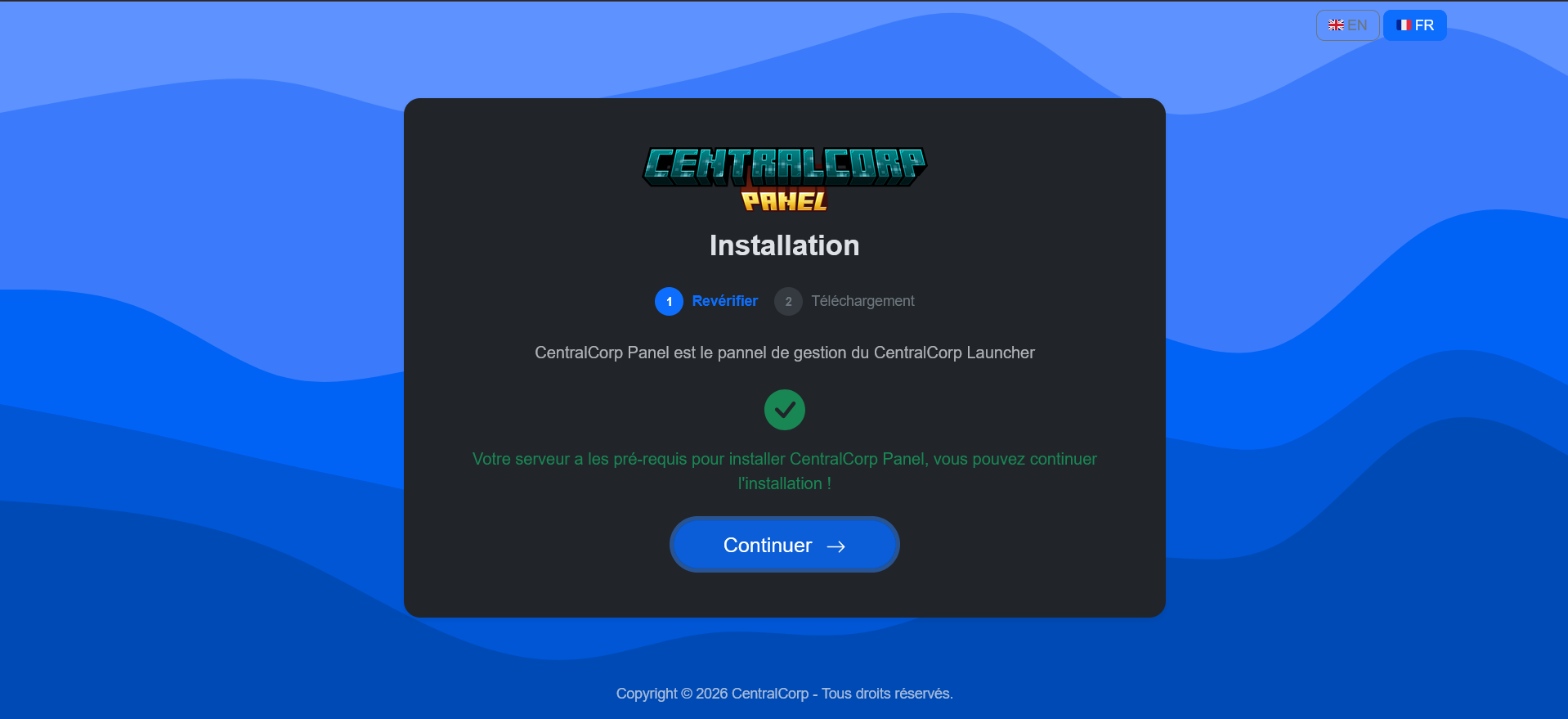
2. Continue the installation 💾
3. Administrator Account and Database Creation 👤
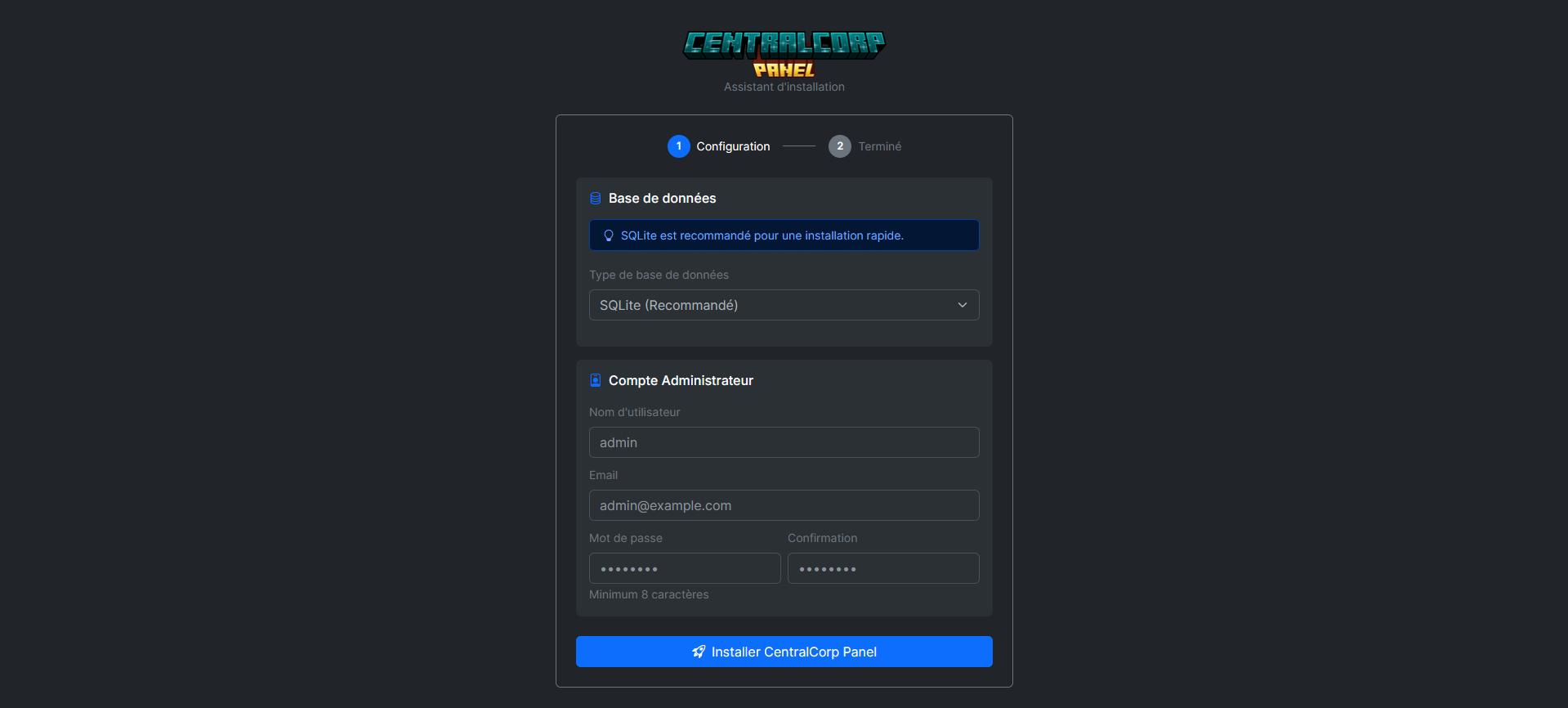
⚠️ Warning
These credentials will be the only ones allowing access to the admin panel. Keep them safe!
✅ Installation Complete
Your panel is now ready to use! 🎉
✅ Installation Complete
Your panel is now ready to use! 🎉